
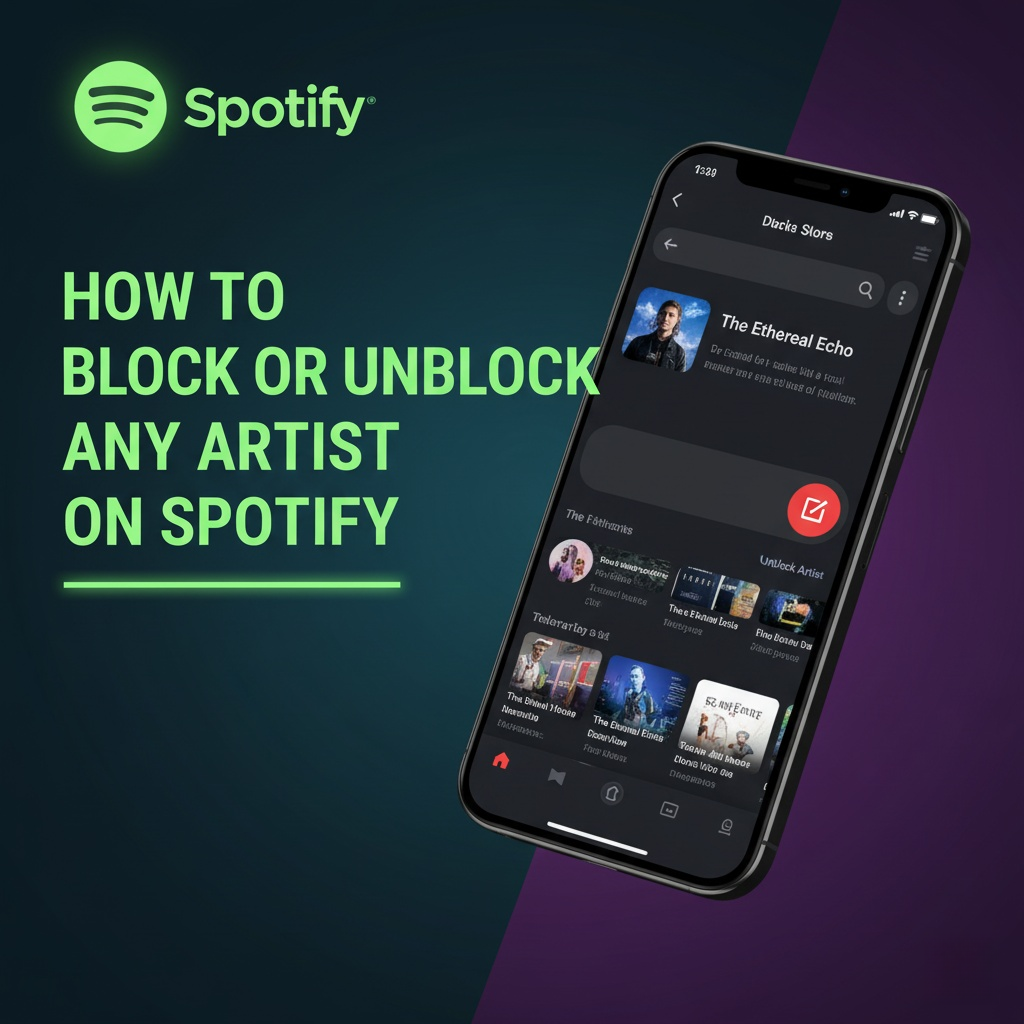
Are you sick of hearing the same artist on your Spotify playlists—if you do not even like him? Is it an overplayed one, or is it an artist whose music you dislike? Spotify provides you with a way of taking back the power over what you listen to. In the block option, you can get rid of artists that you do not want to hear and cleanse your music stream so that it is yours.
Here we’re going to teach you how to block and unblock artists from Spotify, what you’ll be doing to yourself when you block them, and why the feature will be very useful. You’re going to learn how to make Spotify a haven where your favorite tunes get played just once after you’re done reading this.
What Is the Spotify Block Feature?
Spotify block feature is designed to personalize your listening. Blocking an artist will disallow Spotify from recommending and playing their music. It means songs, albums, singles, and in most instances, even their collaborations they collaborated on.
Once an individual is blocked, their material won’t appear on:
Daily Mixes
Discover Weekly playlists
Spotify Radio stations
Other personalized suggestions
Spotify brought this feature so that users would be in charge of what they listen to, and you will never need to skip songs that sound terrible or are against your values.
Did You Know
You don’t need to block an entire artist if you don’t enjoy a couple of their songs. Spotify also allows you to hide individual songs, podcasts, or playlists. Such control offers the opportunity to customize your listening experience without removing an artist from it.
How to Block an Artist on Spotify
You can block an artist in a matter of seconds and it may not even take a minute. Follow these steps:
Open your phone’s Spotify app (Android or iOS).
Click on the Search bar to find the artist whom you need to block.
Click the artist profile from the search results.
Press the three-dot menu (⋮) at the top right.
Choose “Don’t play this artist.”
Voilà—you’ve blocked them. Spotify will no longer play the artist’s music anywhere on your playlists, recommendations, or radio.
✅ Tip: Artist blocking is as of now only accessible through the mobile app. You cannot directly block artists on desktop or web, but modifications made on mobile will be effective on all places as soon as you log in to the same account.
How to Unblock an Artist on Spotify
Changed your mind? Perhaps the musician has come out with a new album that caught your attention, or perhaps you simply want to hear some of those classics. Unblocking is equally easy.
Open Spotify and navigate to the Search tab.
Enter the name of the blocked artist.
Open their profile page.
Tap the three-dot menu (⋮).
Choose “Allow to play this artist.”
Confirm if asked.
When you unblock, their music will again show up in your mixes, recommendations, and playlists.
What Happens If I Block an Artist on Spotify?
Block differs from unfollow or taking them off a playlist. It alters how Spotify’s algorithm behaves toward that artist differently. That is what becomes altered after blocking someone:
The “Follow” button on their page is replaced with a block sign.
Their songs will not be played when you play in group mode even if another person had added them.
Spotify will never suggest any of their albums or songs to you.
They might still show up on songs that they are featured on with other artists but only if you block everybody who worked on the songs.
This keeps your listening area free from disruptions and focused on what you like.
Why You Would Block an Artist
Blockage is really just a sign of not liking an artist. There are good reasons why you would.
Why Artists Get Blocked on Spotify:
Personal taste: Their music just isn’t for you.
Offending content: There are some lyrics or messages that offend your conscience.
Overexposure: They play their songs too much and you’re in the mood for a change.
Polished suggestions: Blocking keeps the algorithm from improving at suggesting what you really like.
Parental control: Parents can block artists if kids are not allowed to listen to them.
Emotional purposes: Certain songs remind you of bad experiences, and blocking prevents this from happening.
Whether the reason is the same or not, blocking lets you have more control over what you hear without having to justify or explain the reason.
Is Blocking Artists on Spotify Permanent?
No, blocking is not permanent. You may unblock an artist at any moment you desire by navigating back. The room for trial in this flexibility invites you to play and experiment. You may block a person temporarily to better define your ideas before adding them later if you experience mood or music changes.
Can You Block Artists on Spotify Web or Desktop App?
Block feature is now available only on mobile (iOS and Android). But whatever you block on phone will apply across all devices that are logged in to your account. If you block an artist on iPhone, you will be blocking the artist on desktop app as well.
This configuration enables there to be ease of handle preferences on the move without necessarily compromising the cohesive experience from device to device.
More Tips to Customize Your Spotify Experience
Blocking artists is merely the tip of the iceberg. To do even better, consider the following tips below:
1. Enhance Recommendations
Dislike/skip tracks: Offer feedback so that Spotify’s algorithm can be refined.
Hide songs: Take advantage of the “Hide this song” option to avoid listening to a certain song but not to the whole artist.
2. Create Custom Playlists
Rather than letting algorithmic playlists have their say, make your own for mood, genre, or activity.
3. Be mindful of Third-Party Integrations
Occasionally integrations with AI assistants such as Alexa or Google Assistant will influence your Spotify stream. If you notice suggestions get out of control, look into those settings.
4. Utilize Collaborative Playlists
You always here about friends’ public playlists, blocking prevents you from ever being exposed to listening to music of musicians you despise albeit even when added by others.
Last Thoughts
Spotify’s block feature is a delightful little bit of control. It prevents you from listening to artists that you do not want to, improves your playlists, and improves your listens. Blocking due to taste, guarding children against innapropriate content, or simply having your suggestions be fresher, this feature provides you with more.
And don’t fret: blocking is reversible. If you change your musical sensibilities, you can unblock an artist whenever you feel like it and add them back to your playlists.
Your Spotify account is your personal space to listen to music your way. Use the block tool—or any of Spotify’s tuning controls—to keep it humming on your frequency.